Sassy dark mode

Backward compatible dark mode

Jump to
Dart Sass
LibSass

/i\ Now with Dart Sass version.

The easiest way to implement dark mode these days is with CSS3 custom properties (variables). Just have a :root element with default colors, and then another one under a media query, and let the user preference do the work. Something like this:

:root {
    --bkg:          white;
    --txt:          black;
}

@media ( prefers-color-scheme: dark ) {
    :root {
        --bkg:      black;
        --txt:      white;
    }
}

body {
    background:     var(--bkg);
    color:          var(--txt);
}

And if the browser doesn’t understand or have the preference, it would take the first set of variables. But if it doesn’t understand variables at all, that’s a problem.

Dart Sass

Hugo uses LibSass, which will eventually become deprecated, so I figured out how to do it in Dart Sass. The old version is still available.

In a way, it’s easier. We will use one file _theme.scss. In it, we are going to declare that we will use a map, create two maps for two color schemes, and make a mixin of our style, which we will paste twice: once as a fallback default and once for a specific color theme preference. So, we want something like this:

@use "sass:map";

$light-theme-map: (
    "background":   white,
    "color":        black,
);

$dark-theme-map: (
    "background":   black,
    "color":        white,
);

@mixin mixin-colors( $our-theme ) {
    body {
        background: map.get( $our-theme, "background" );
        color:      map.get( $our-theme, "color" );
    }
}

@include mixin-colors( $light-theme-map );

@media screen and ( prefers-color-scheme: dark ) {
    @include mixin-colors( $dark-theme-map );
}

Looking from the bottom, we see two @include’s with one variable each. One is a fallback with $light-theme-map that would be displayed in very old browsers, and the other is specific with $dark-theme-map.

They both pull in our main thing, which is a @mixin called mixin-colors() (original, I know), that we have higher up. This is our main CSS for all color styles. It is in there, where we are getting colors from maps with map.get( $map, "key" ).

Lastly (almost), we have two maps with colors for light and dark themes. They are more or less self-explanatory and resemble other variables, but they have slightly different syntax (to confuse me).

This approach has one drawback. As far as I understand, you can put a variable inside a map and manipulate it as usual. However, you can’t retrieve that variable from the map itself. In other words, you can’t use map.get() on the same map. So if I want to use one color to morph into other colors, I should first declare it as a variable and then pull derivatives into the map.

And the actuall last thing is declaring that we will use a map: @use "sass:map";. Then, we simply use our _theme.scss file in our main style.scss file by putting @use "theme"; at the top of it, and that’s it.

We could put our mixins in a different spot, and do all sorts of other fancy things, but that is outside the scope of this post. To be frank, I still don’t use Sass that much outside of this case.

LibSass

I really hope there is a better solution, because mine feels very silly, but it works. Sass variables. Bare minumum primer: Sass is a preprocessor, it creates a regular CSS file and all the magic happens before that. Also, there’s a pain point if you’re adapting an existing stylesheet: it’s better if the color information has its own section. Lucky for me, I have been doing this since time immemorial.

Ok, to get to the point, we need 6 files. Did I mention it’s silly? style.scss is our main file, which would be our actual style.css at the end. _colors.scss is our color information where we will write it with our variables. Two files for the light and dark variables themselves and two to make a magic trick work.

So, the magic trick is this: we import two files into our main file, and both of those files import a set of variables and our colors file:

_vars_light.scss + _colors.scss → _magic_light.scss

_vars_dark.scss + _colors.scss → _magic_dark.scss

_magic_light.scss + _magic_dark.scss → style.scss

So style.scss would have this:

@import "magic_light";
@media ( prefers-color-scheme: dark ) {
    @import "magic_dark";
}

_magic_light.scss would have this:

@import "vars_light";
@import "colors";

_vars_light.scss would have this:

$bkg:               white;
$txt:               black;

And _colors.scss would have this:

body {
    background:     $bkg;
    color:          $txt;
}

_magic_dark.scss and _vars_dark.scss would “mirror” _magic_light.scss and _vars_light.scss.

BTW, there may be different requirements for how Sass files are handled, I just go by what Hugo does with them and what works for me.

In the end, we have a rather large style.css file with a default light style and a dark style under a media query. Kind of like what we did with CSS3 variables, but that works without them. Silly!


A bit more about Sass.

Summary for January 2026

Who let the dogs out

The surprising part about Sunshine Manor is that each level introduces a new mechanic. What starts as a top-down, light survival horror game can be more action-oriented at times. None of the mechanics overstay their welcome, and the entire game is reasonably short. Visually, it’s quite nice, as it tries to invoke 8-bit era graphics. The good, spooky, sometimes tense music adds to the experience.

/i\ Slight spoiler for Rule of Rose.

The dark, industrial-looking corridor has a floor of rough wooden planks, metal beams and handrails run alongside dirty walls. Jennifer, a young woman with dirt-blond hair in a bun, stands in front of a door. She wears a plain gray dress and holds her hands close to her chest. Beside her is her companion, Brown, a light brown Labrador retriever, who scratches at the door.

Rule of Rose is, to put it politely, queer as fuck. While I feel it depicts that theme with decent tact and respect, ultimately, I can’t be the judge of that. Knowing horror games, I can see how some aspects can fall into harmful stereotypes. Another thing that gives me pause in this regard is that it’s a story about children made by adult developers, which always has a certain sheen of sleaziness. I do appreciate that, despite some supernatural elements, there are no ancient burial grounds or secret cults in sight, which is refreshing.

Your dog companion, Brown, is a very cool addition to the gameplay. He not only helps with notoriously awkward combat, but he is also an interesting in-game help system of sorts. You can pet him, too.

Regardless, the game is a hidden gem. Maybe a rough one (the camera and aftermentioned combat come to mind), and perhaps not particularly hidden, but I very much enjoyed it.

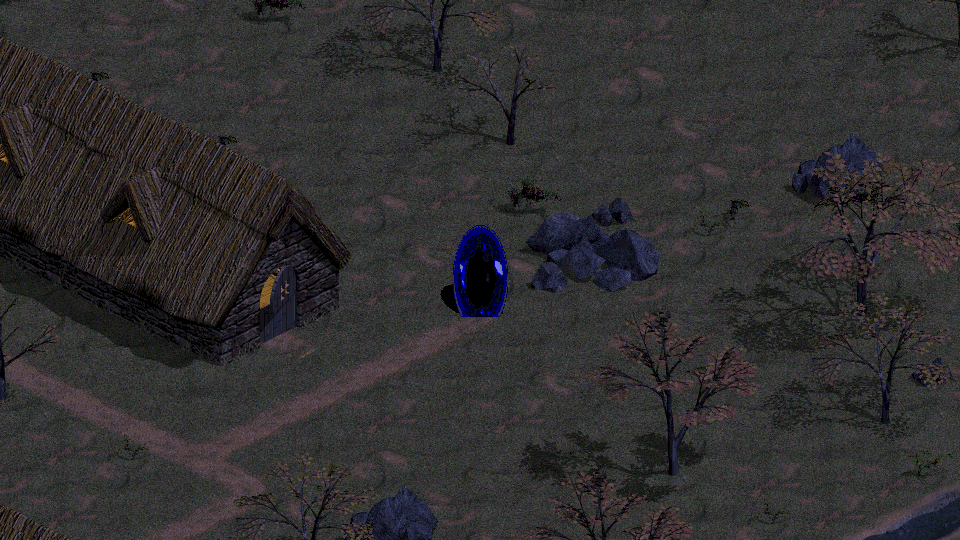
Rynn, the heroine of the game, a white woman with dark hair in a long ponytail, wearing a metal chestplate and leather pants. She rides Arokh, a dark red and gold dragon with a body the size of a large horse, like a Clydesdale, but with a longer neck, a massive tail, and a wingspan around two times his body length. They hover over rocky islands with patches of grass surrounded by clear blue water. In the middle of the water is a wooden ship, and in the background is a tall, windowless stone tower with a spiky top.

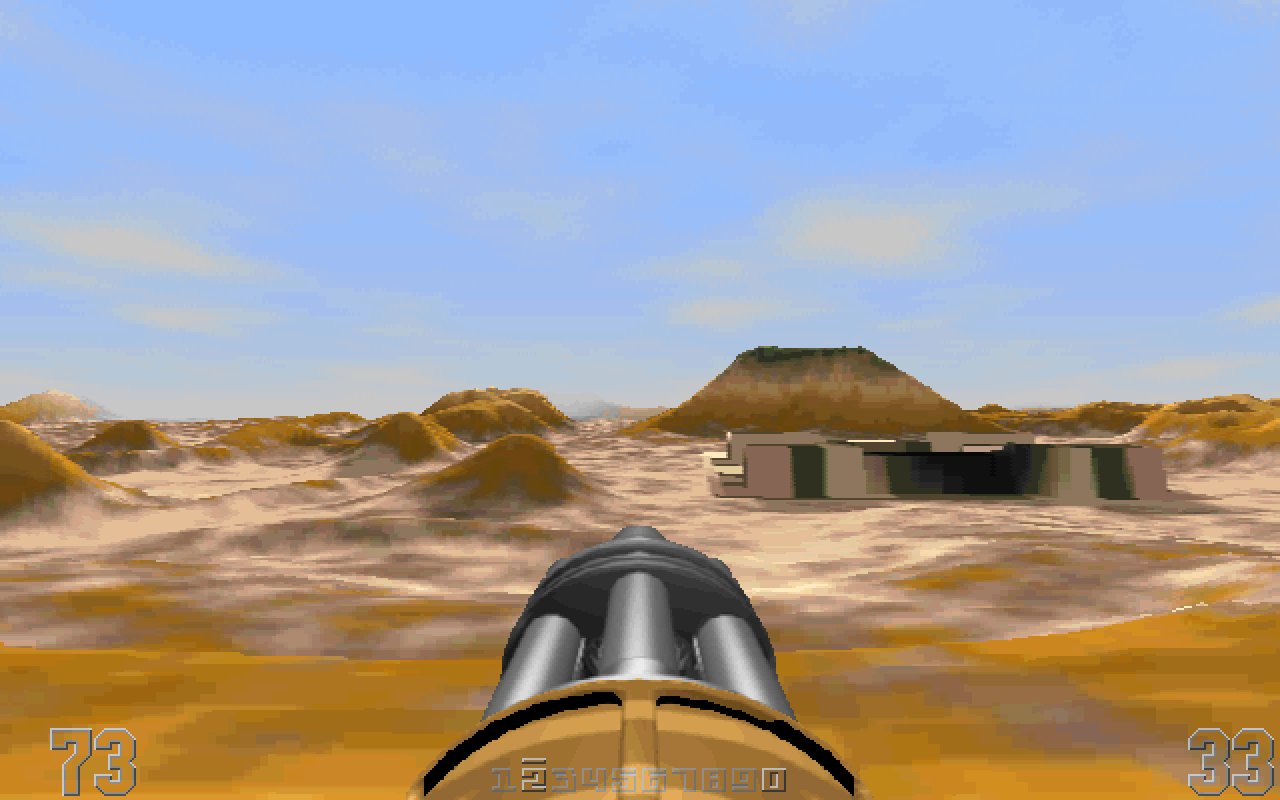
What is a dragon, if not a dog with wings? And scales? And firebreath?.. Okay, I’m reaching. I wouldn’t call Drakan: Order of the Flame a horror either. Dark fantasy? Sure.

It’s a blend of The Legend of Zelda and Tomb Raider. Plus a dragon. And not a bad blend. There is mostly combat and not a lot of puzzles. While the technical aspects have not aged particularly well, they are not bad either. Flying can be disorienting, but it’s a neat addition.

It’s an old game, though. Some choices, especially in design of female characters, can be cringe-worthy. It also has a quick save for a reason. Expect instant death traps and enemies that can one-shot you. It’s the Dark Souls of its time (not really).

Tales of the TARDIS is great because it allows you to watch a sample of episodes from a previous era of Doctor Who and realize that you don’t want to watch any more. It has not aged well. Great scarves, though!

Summary for December 2025

I want to ride my bike, apparently

Maybe I just wanted something simple, but I enjoyed Goosebumps: Terror in Little Creek. It’s a pretty straightforward, lite version of Resident Evil. There are plenty of puzzles and stealth elements, as well as some combat. Nothing outstanding, just a good, spooky adventure.

First-person view from Samus’s helmet with the Arm Cannon visible and some usual UI elements, such as mini map, health bar, etc. There is also a name MacKenzie, one of the game’s NPCs, with a wrench icon on the left side. In the background, we see a lush jungle. In the foreground, there is a dilapidated bridge over a canyon that leads to somewhat organic-looking ruins.

The core of the Prime games is firmly present in Metroid Prime 4: Beyond. The developers updated some features (most of my complaints have been addressed) to make it feel more modern without removing anything. It’s a good, substantial game that isn’t too long.

And that would’ve been that if we weren’t waiting for it basically from the release of the Switch console itself. To be honest, I was also among those wondering, for good reason, how they would change it. After the release of Breath of the Wild and Super Mario Odyssey, everyone was thinking the same thing: open world? Open levels? At least more open, right?

Samus, wearing her classic red and gold Power Suit, stands in a desert. In front of her stands a stone statue. In front of the statue is a hologram of a slender, four-armed humanoid. Its head resembles an axolotl, with six tentacles stick out from it, but almost featureless face of a grey alien.

The game we got seems to have been held back in some way. There is an openness, but it doesn’t add anything significant. NPCs, cutscenes, some other minor details also feel separate from the rest of the game. None of that makes it worse, far from it. It’s just a reminder that it got stuck on a bridge without a way to fully cross or go back.

Some puzzle games make you feel very clever. Monument Valley III and the entire series make you feel how clever the developers are. I don’t mean that as a bad thing, but it is less of a puzzle game. Still, it’s very neat, good-looking, and quite enjoyable!

A pixel art depiction of a classic scene from the movie, in which the T-800 rides a motorcycle down a concrete channel with John sitting in front of him. He fires a shotgun at the black semi-truck that is chasing them and is driven by the T-1000.

The throwbackness of Terminator 2D: No Fate is not its only selling point. Despite being pretty short, it has a good incentive to replay its campaign and offers a couple of additional modes and achievements. But it’s also just a fun game.

A rock wall in a desert with some vegetation under gloomy skies. A short path leads to a stone doorframe that clearly doesn’t belong there: it is surrounded by jagged pieces of different type of stone, it has weird markings, and there is a glow emanating from it. It is a first-person view, so we only see a woman’s hand holding a compass-like device with unusual markings. The only hand it has also glows.

I’m hesitant to say, if the story of Amnesia: Rebirth is good or not. I feel that it doesn’t fall into sensationalism; it simply does what it needs to do to tell its story. However, there are subject matters where it is not my place to judge. Other than that, it is a good-looking, atmospheric game with reasonable puzzles and monsters that you can turn off (which I did, no regrets).

As far as I can tell without playing them myself, all the games from that developer are interesting because they started with a lot of problematic elements but have been deliberately moving away from them. Again, I can’t be the judge of that.

They also keep making Picross games, those fuckers.

Summary for November 2025

Nov negative

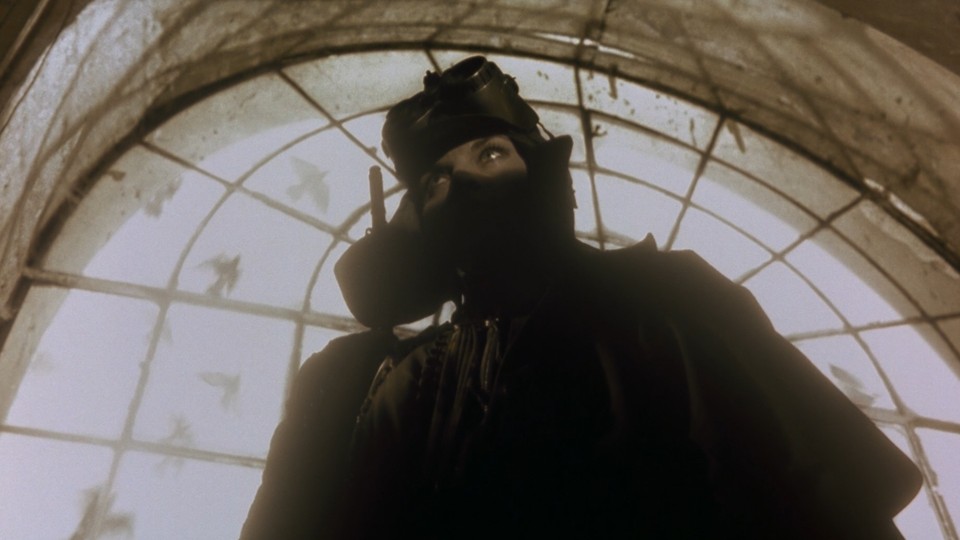
The story of Blood: The Last Vampire is pretty straightforward. It’s not bad, but it doesn’t bring anything new or unique to the genre. However, there are interesting things happening on the periphery. The most obvious example is that the movie clearly in a conversation with Western horror media. The visuals are striking, the pace is good, and overall, it’s not bad at all.

Shots from both movies are combined and split diagonally, they depict the same scene: Saya, a woman with black hair, wearing a dark jacket, sits in a well-lit metro car.

Is it fair to say that live action adaptation is worse, though? I have to say so. Whether you like the way it expands the story or not, it just add galring flaws, from poor character mativation, to bad monster design. It ramps up the action in a “more is better” way and fails. The pacing suffers as well. It’s not all bad, it could have been worse, but it’s hard to say that it’s worth it.

I wasn’t inspired to explore that franchise further.

The whole autumn was full of things that I either didn’t finish, that don’t fit the themes of this blog, or both. One of those things, I guess.

Summary for October 2025

Free-ctober

I’m pretty sure that this month, I set a record for the number of games I started but didn’t finish for one reason or another. Nevertheless, here is a list of three free spooky ones:

A collage of three screenshots. On the left is a dark silhouette of a young woman jumping toward a wooden platform, with other platforms and walls floating in a void. In the center, a woman with medium-length hair, narrow eyes and a bruise over her nose, stands in front of a window with a starry night sky. On the right, almost a sketch, with simple white lines on a black background depicting a girl rolling under a tree branch.
  • A is for Aliens After Ava, a runner with nice, stark graphics.
  • B is for Ballads at Midnight, a romantic visual novel that can get pretty dark.
  • C is for Curyeux, a platformer. A bit dark, or just serious, I guess, but not a horror.

I’ve also been tinkering with this blog. If you don’t notice any changes, that’s a good thing. If you notice any changes, hopefully they are positive ones. And it should look even better in NetSurf, the famous and popular web browser.